
TRANSLATION GUIDES · IAȘI
How to photograph or scan documents for translation
Andreea Hărămiță · 14 September 2026
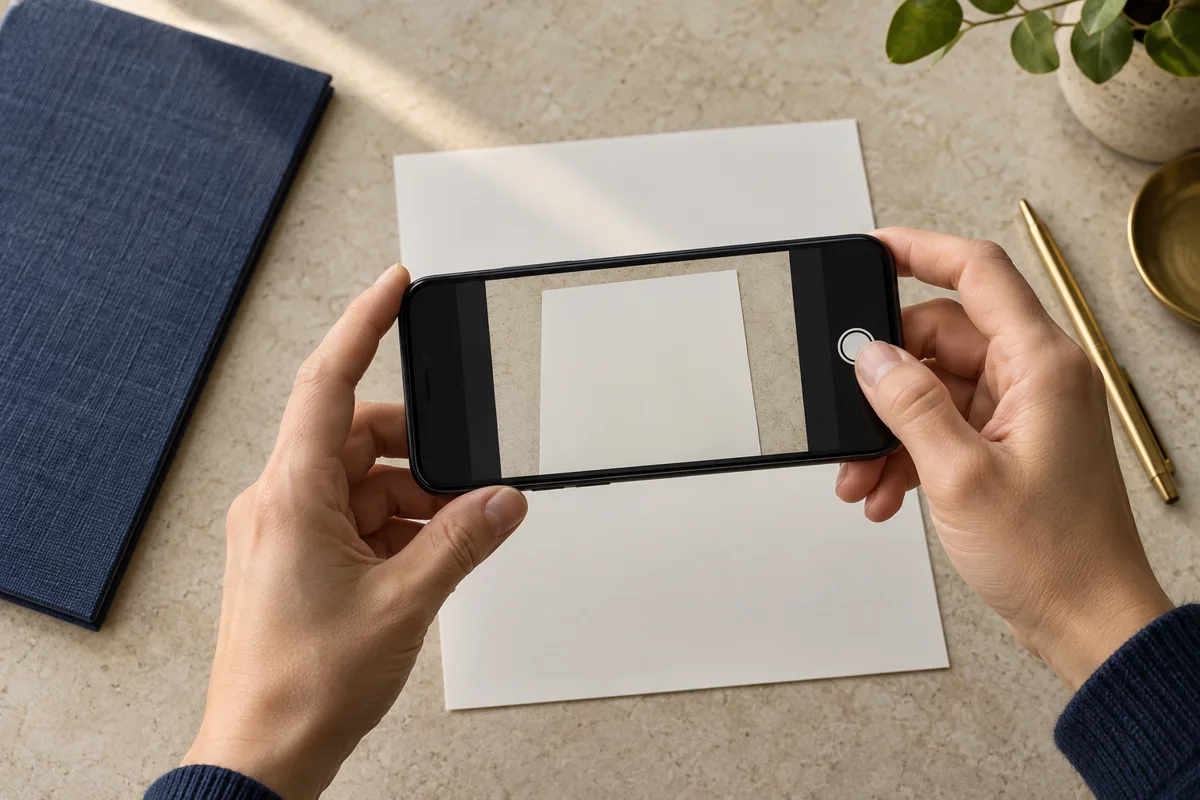
A clear image allows an accurate assessment of your document. You do not need professional equipment: lighting, framing and checking every page matter most.
Place the document on a flat surface
Use a table and even lighting. Hold your phone parallel to the page and avoid shadows, reflections and flash that could obscure text. Include all four corners. Keep your fingers clear of numbers, signatures and document edges.
Check the enlarged image
Open the photograph and zoom in. Can you read small characters, dates and stamps? If an area is unclear, take the photograph again before sending it. A strong contrast filter may remove faint annotations; retain a version that faithfully reproduces the original.
Keep pages in order
For a document with several pages, one PDF in the correct order is easier to follow. Include the reverse side if it contains information, together with relevant annexes. Use simple filenames such as diploma-page-1, without including your personal identification number or other personal details in the filename.
Send only what is necessary
For a general question, you can describe the document without an attachment. An accurate quote requires assessment of the text. Do not send additional documents unrelated to your enquiry. If a file exceeds the limit shown in the form, ask for an alternative transfer method; do not compress an image until it becomes unreadable.
The photograph is for assessment
A digital copy helps establish the workload and price. If the original must be presented for the work or the requested formalities, this is clarified separately. In your message, include the required language, the document’s destination and the deadline.